Free tool · Eclipse Lyrics
Your lyrics on screen, timed to your song.
Tap along once and get a lyric video for Reels, TikTok or YouTube, subtitles for any editor, or just the lyrics on a transparent layer for your own footage. Free, no account, about 5 minutes.
Works on your phone or computer. Your song never leaves your device.
How it works
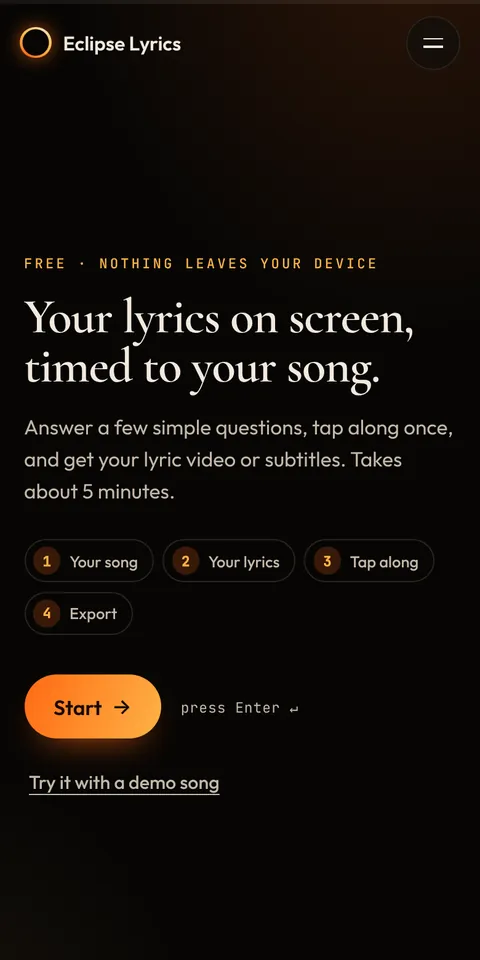 1. Add your song and lyricsPick the audio file, paste your lyrics or bring them in from a Google Doc. Add a translation if you want one under each line.
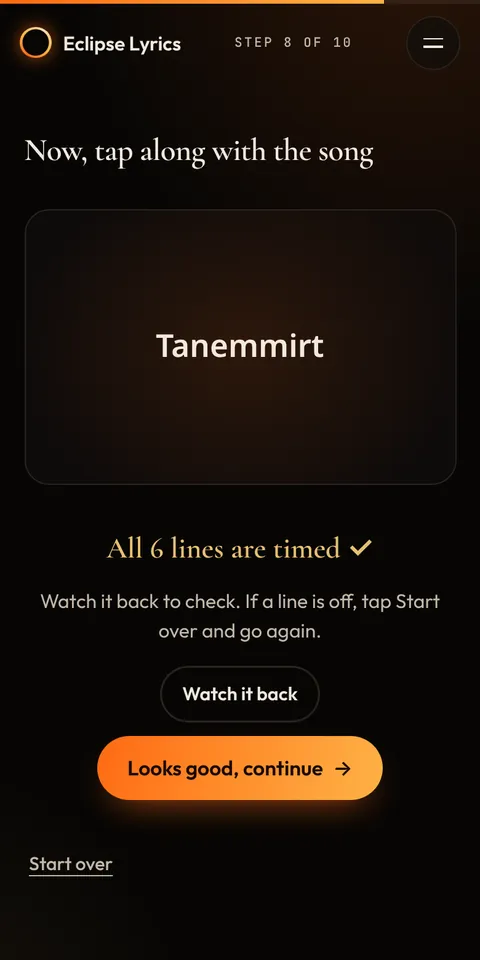 2. Tap alongPlay the song and tap one big button as each line starts. Made a mistake? Undo, or start over.
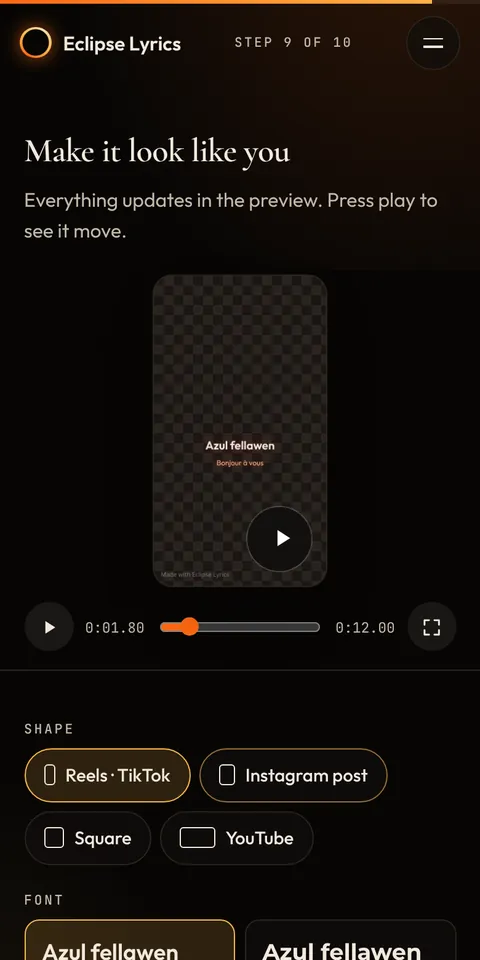 3. Make it look like youChoose the shape, font, colour, size and animation, and watch it move in the live preview.
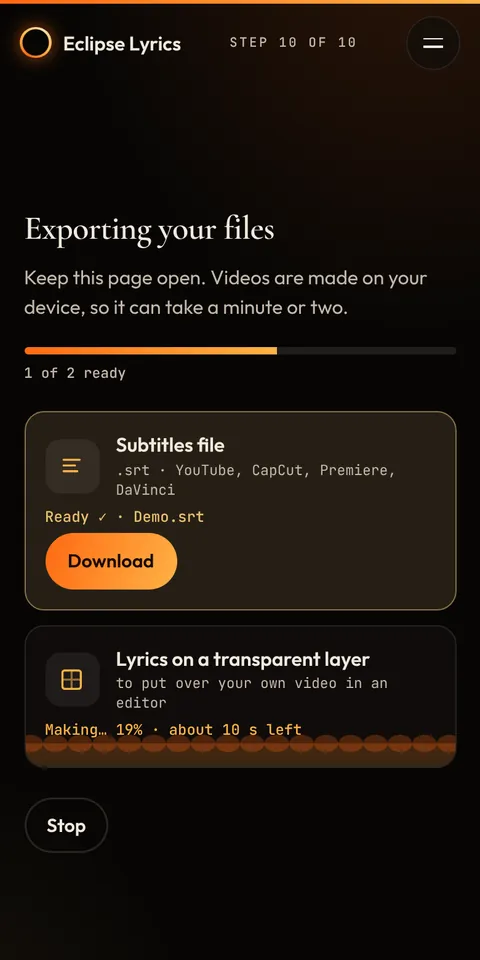 4. Download your filesEverything is made on your device. Download or share each file, or all of them in one zip.
What you can make
- Lyric video in 9:16 (Reels, TikTok, Shorts), 4:5 (Instagram post), 1:1 or 16:9 (YouTube), up to 4K
- Subtitles (SRT, VTT, LRC) for YouTube, CapCut, Premiere, DaVinci Resolve and Final Cut
- Lyrics only on a transparent layer, on black or on green screen, to put over your own video
- Translation under each line, in French, English or both
Why artists use it
- Free, no account. Open it and start.
- Private. Your song and lyrics stay on your phone or computer. Nothing is uploaded.
- Made for phones. Big buttons, one question per screen. Also works on a computer, with keyboard shortcuts.
- English, French and Kabyle, with fonts that handle Kabyle Latin and Tifinagh.